
Billing
Send invoices and payment reminders.
Automated notifications
Send notifications by Email, SMS and WhatsApp automatically. Keep your customers informed, confirm transactions, send invoices and keep everyone up to date.
What it is
The platform automatically sends notices to your customers through the right channel and shows you the status of every message.
Includes
Key features
Every feature is managed from the web panel, with guidance from our team.
Invoices, reports and personalized notices.
Instant alerts and notifications.
Transactional and operational messages.
Send notifications from your domain.
See which messages were delivered, bounced or are pending.
Benefits
Fewer manual tasks in your operation.
Keep everyone up to date.
Send invoices and payment reminders.
We support you at every stage.
Use cases
Send invoices and payment reminders.
Codes and transactional messages.
Confirm transactions and activations.
Pricing
Contact us
We'll send you a proposal based on your volume, destinations and needs.
Related services
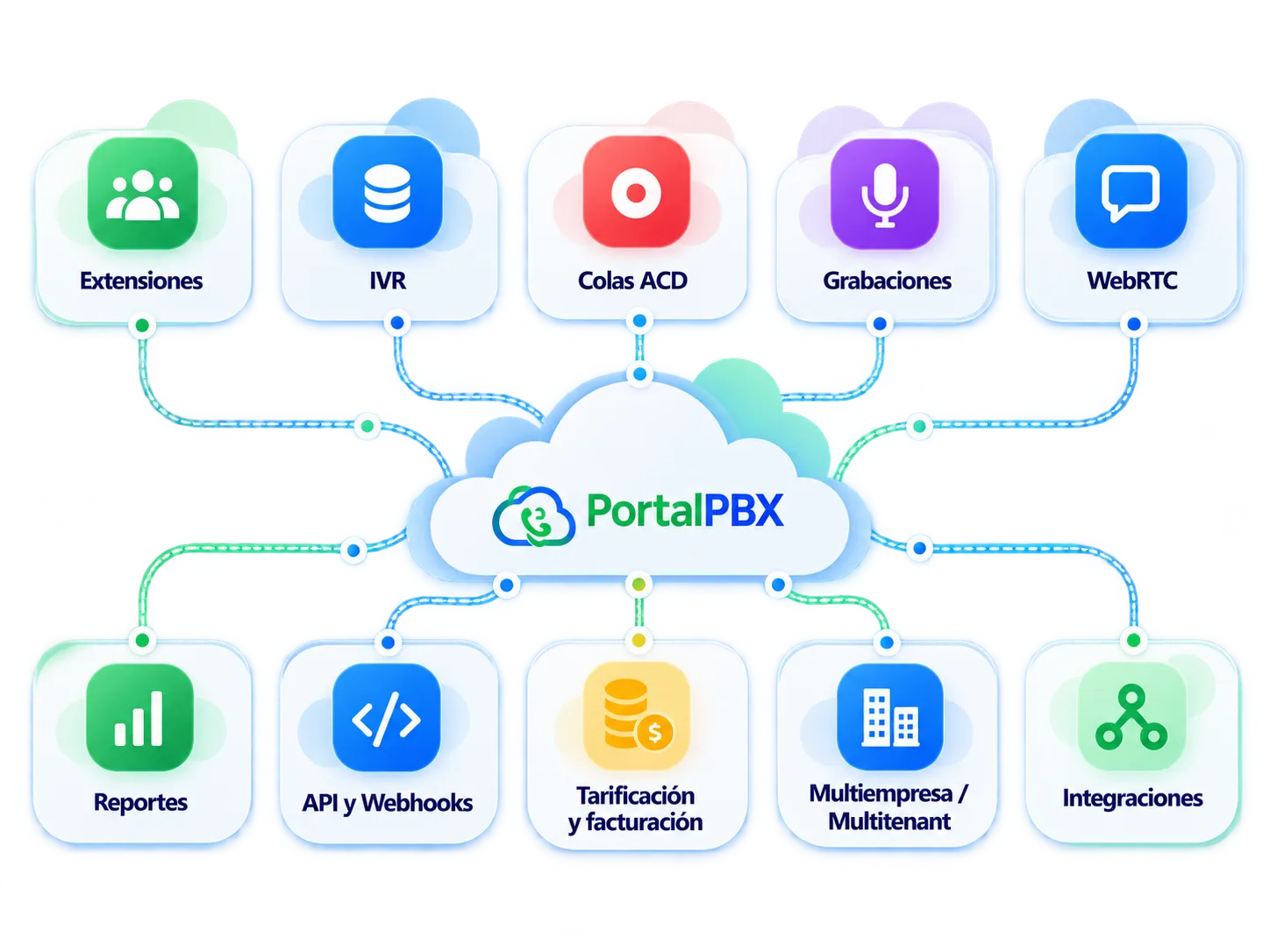
Extensions, IVR, queues, recording and WebRTC softphone for your business.
Send text messages from the platform or via API.
Connect your systems and automate processes.
Customer sign-up, plans and payments with instant activation.
Frequently asked questions
Quick answers about Automated notifications.
See all questionsCloud phone system, multitenant PBX, SIP Trunk, DIDs, bulk SMS, IVR, call recording, API and integrations, WebRTC softphone and reports, plus modules such as Voicebot, WhatsApp and automated notifications.
Yes. You can integrate it through marketplace modules (such as HubSpot or Zoho), our REST API and webhooks.
Tell us about your project and we'll help you choose the right solution.