
Remote teams
Bring sites and remote staff together in one phone system.
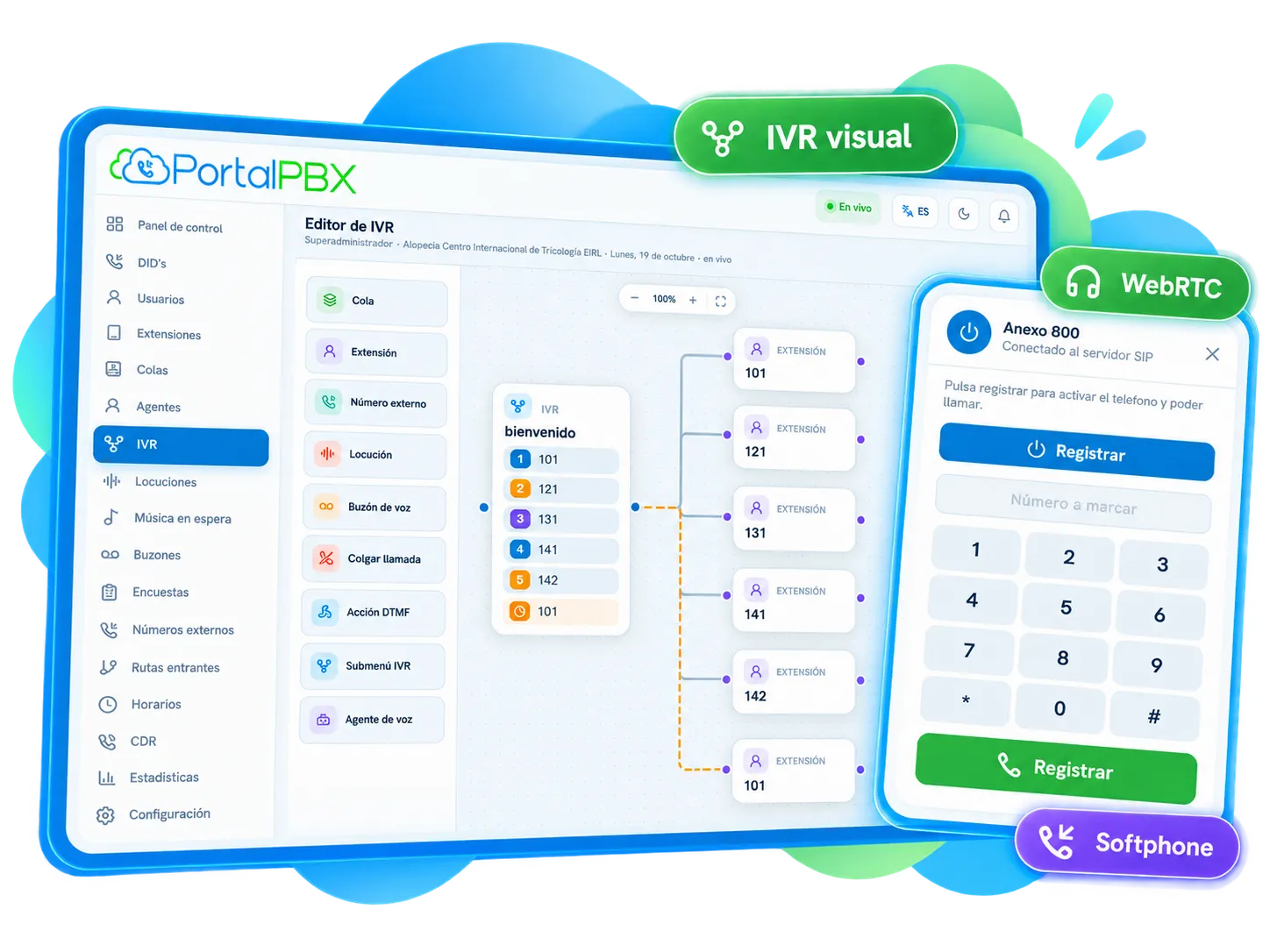
WebRTC softphone
Make and receive calls from the browser, with no installs. Each team member uses their extension from anywhere with an internet connection.
What it is
The WebRTC softphone works directly in the browser. You can also use a softphone, the app or IP phones.
Includes
Key features
Every feature is managed from the web panel, with guidance from our team.
Call from the browser without installing software.
Works on your team's computers.
Clear conversations from the browser.
Answer from the office, from home or on your mobile with the same extension.
Benefits
Buying phones is not required.
Your same extension wherever you are.
Your team starts taking calls without installs.
We support you at every stage.
Use cases
Bring sites and remote staff together in one phone system.
Agents handling calls from the browser.
Calls, CRM and integration in one place.
Pricing
Contact us
We'll send you a proposal based on your volume, destinations and needs.
Related services
Extensions, IVR, queues, recording and WebRTC softphone for your business.
Voice menus and call automation.
Store, search and manage your recordings.
Real-time metrics for your whole operation.
Frequently asked questions
Quick answers about WebRTC softphone.
See all questionsYes. The WebRTC softphone works directly in the browser, with nothing to install.
No. You can call from the browser with the WebRTC softphone, from a softphone or the app; if you prefer, you can also use IP phones.
Yes. Each team member uses their extension from anywhere with an internet connection, in the browser, on a computer or on a mobile phone.
Tell us about your project and we'll help you choose the right solution.